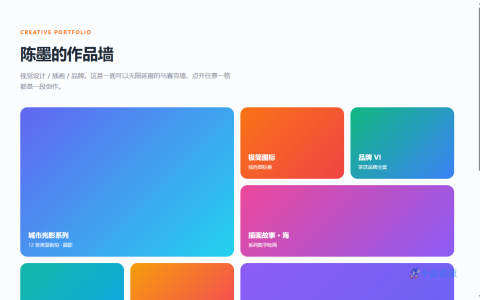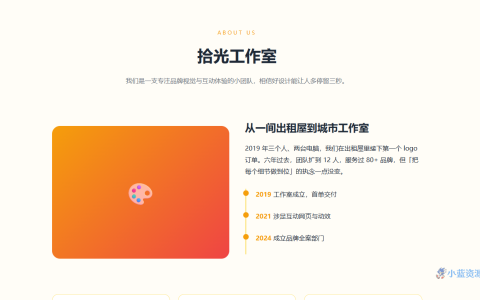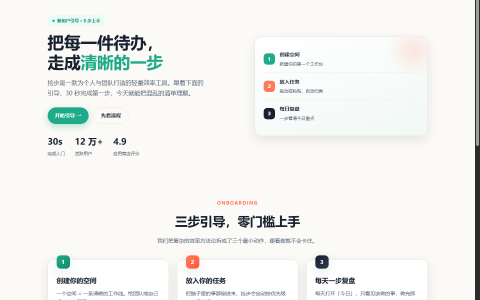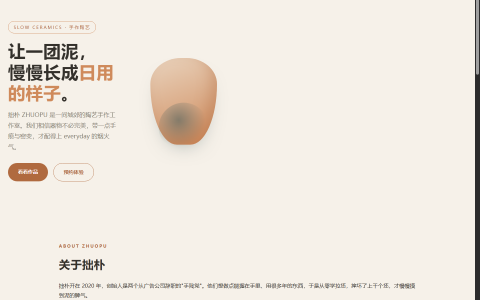
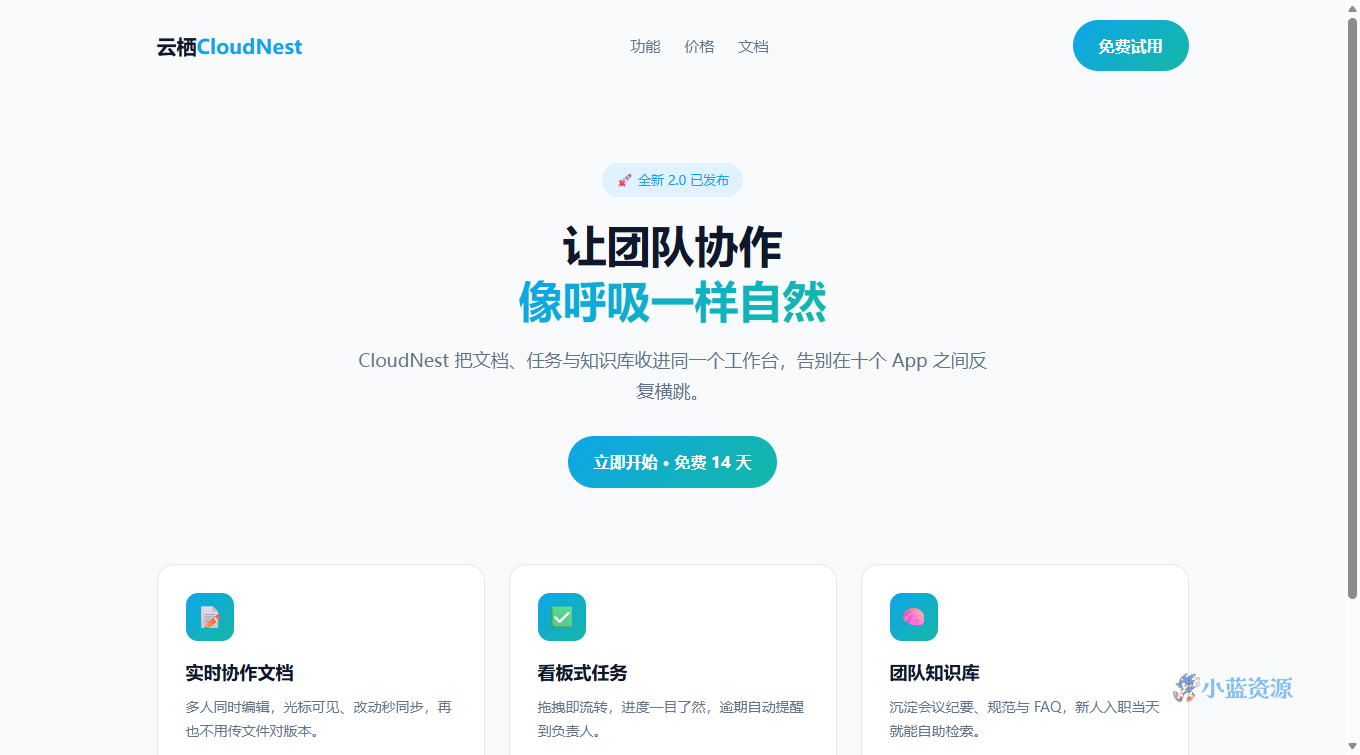
这是一款标准 SaaS 产品落地页单页源码。顶部是带徽标和主导航的简洁页头,紧跟一个渐变标题的 Hero 区(卖点一句话 + 主 CTA 按钮),下方是三栏功能卡片,整体节奏紧凑,专为「让人一眼看懂、三秒想注册」而生。
设计上采用天蓝到青绿的渐变作主色,配合大量留白与圆角卡片,年轻、清爽、专业感兼具。卡片 hover 轻微上浮并带投影,按钮 hover 有位移和光晕,细节交互到位但不喧宾夺主。
单文件、零依赖、响应式(移动端功能卡自动堆叠、导航隐藏)。你可以直接把它当作产品官网首页,替换文案和配色即可上线;也是学习「Hero + 功能栅格 + CTA」落地页结构的优质范例。
使用教程
1. 下载与保存
将下方代码全部复制,保存为 index.html。
2. 本地预览
双击打开,或在文件夹下运行 python -m http.server 后访问 localhost 预览。
3. 自定义修改
换文案:改 .hero h1 与 .hero p。换主色:调 :root 里的 --brand / --brand2 两个变量(全站联动)。加功能卡:复制一个 .card 块。改 CTA 链接:把 .btn 的 href 指向你的注册页。
4. 上线部署
把 index.html 传到任意静态托管(GitHub Pages / Vercel / 对象存储)即拥有落地页网址。
HTML 源码
复制下方全部代码,保存为 .html 文件即可在浏览器中直接预览与使用。
<!DOCTYPE html>
<html lang="zh-CN">
<head>
<meta charset="UTF-8">
<meta name="viewport" content="width=device-width, initial-scale=1.0">
<title>云栖 CloudNest · 产品落地页</title>
<style>
  :root{ --brand:#0ea5e9; --brand2:#14b8a6; --ink:#0f172a; --muted:#64748b; --bg:#f8fafc; }
  *{ box-sizing:border-box; margin:0; padding:0; }
  body{ font-family:"PingFang SC","Microsoft YaHei",system-ui,sans-serif; color:var(--ink); background:var(--bg); line-height:1.7; }
  a{ text-decoration:none; color:inherit; }
  .wrap{ max-width:1080px; margin:0 auto; padding:0 24px; }
  header{ display:flex; align-items:center; justify-content:space-between; padding:20px 0; }
  .logo{ font-weight:800; font-size:20px; }
  .logo span{ color:var(--brand); }
  nav a{ margin-left:24px; color:var(--muted); font-size:15px; }
  nav a:hover{ color:var(--brand); }
  .btn{ display:inline-block; padding:12px 26px; border-radius:999px; background:linear-gradient(135deg,var(--brand),var(--brand2)); color:#fff; font-weight:600; transition:.2s; }
  .btn:hover{ transform:translateY(-2px); box-shadow:0 12px 30px rgba(14,165,233,.35); }
  .hero{ text-align:center; padding:72px 0 56px; }
  .badge{ display:inline-block; padding:6px 14px; border-radius:999px; background:#e0f2fe; color:var(--brand); font-size:13px; margin-bottom:20px; }
  .hero h1{ font-size:44px; line-height:1.25; margin-bottom:18px; }
  .hero h1 em{ font-style:normal; background:linear-gradient(135deg,var(--brand),var(--brand2)); -webkit-background-clip:text; background-clip:text; color:transparent; }
  .hero p{ color:var(--muted); font-size:18px; max-width:640px; margin:0 auto 30px; }
  .features{ display:grid; grid-template-columns:repeat(3,1fr); gap:24px; padding:20px 0 80px; }
  .card{ background:#fff; border:1px solid #e2e8f0; border-radius:18px; padding:28px; transition:.2s; }
  .card:hover{ transform:translateY(-4px); box-shadow:0 18px 40px rgba(15,23,42,.08); }
  .card .ic{ width:48px; height:48px; border-radius:12px; background:linear-gradient(135deg,var(--brand),var(--brand2)); display:flex; align-items:center; justify-content:center; color:#fff; font-size:22px; margin-bottom:16px; }
  .card h3{ font-size:18px; margin-bottom:8px; }
  .card p{ color:var(--muted); font-size:14px; }
  footer{ text-align:center; color:var(--muted); font-size:13px; padding:30px 0; border-top:1px solid #e2e8f0; }
  @media (max-width:760px){ .features{ grid-template-columns:1fr; } .hero h1{ font-size:32px; } nav{ display:none; } }
</style>
</head>
<body>
  <div class="wrap">
    <header>
      <div class="logo">云栖<span>CloudNest</span></div>
      <nav><a href="#features">功能</a><a href="#price">价格</a><a href="#docs">文档</a></nav>
      <a class="btn" href="#start">免费试用</a>
    </header>
    <section class="hero">
      <span class="badge">🚀 全新 2.0 已发布</span>
      <h1>让团队协作<br><em>像呼吸一样自然</em></h1>
      <p>CloudNest 把文档、任务与知识库收进同一个工作台,告别在十个 App 之间反复横跳。</p>
      <a class="btn" href="#start">立即开始 · 免费 14 天</a>
    </section>
    <section class="features" id="features">
      <div class="card"><div class="ic">📝</div><h3>实时协作文档</h3><p>多人同时编辑,光标可见、改动秒同步,再也不用传文件对版本。</p></div>
      <div class="card"><div class="ic">✅</div><h3>看板式任务</h3><p>拖拽即流转,进度一目了然,逾期自动提醒到负责人。</p></div>
      <div class="card"><div class="ic">🧠</div><h3>团队知识库</h3><p>沉淀会议纪要、规范与 FAQ,新人入职当天就能自助检索。</p></div>
    </section>
  </div>
  <footer>© 2026 CloudNest · 让协作回归简单</footer>
</body>
</html>
原创文章,作者:小蓝IT,如若转载,请注明出处:https://www.xiaolanzy.com/1731.html
 微信扫一扫
微信扫一扫  支付宝扫一扫